To see the various forms of reports that can be downloaded on the Zimyo HRMS portal, follow these steps:
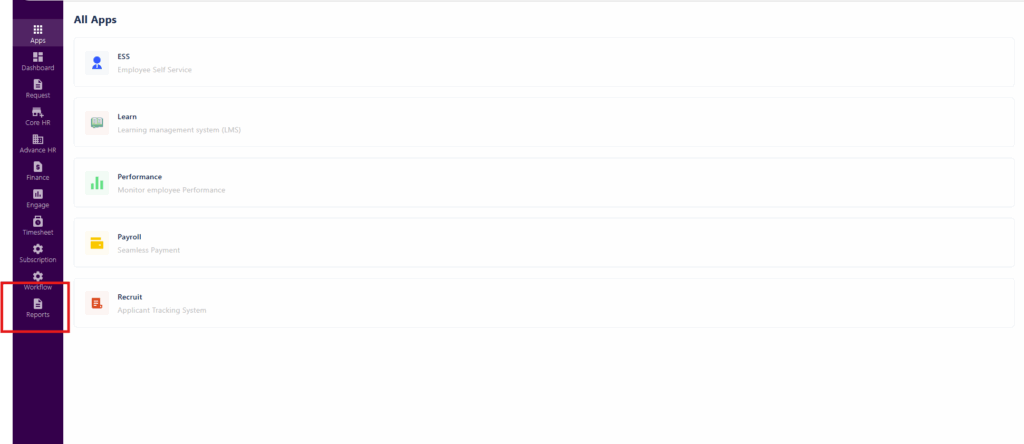
- Login to your Zimyo HRMS portal using your login credentials, this will navigate you to your Admin portal.
- Click on the reports section.
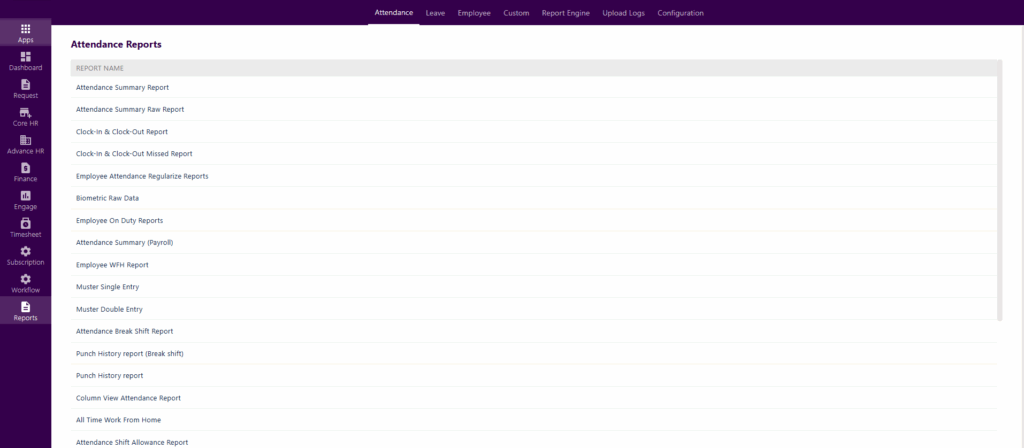
In the Attendance sub-section of the Reports section, the following reports can be downloaded :
In the Leave subsection of the Reports section, the following reports can be downloaded:

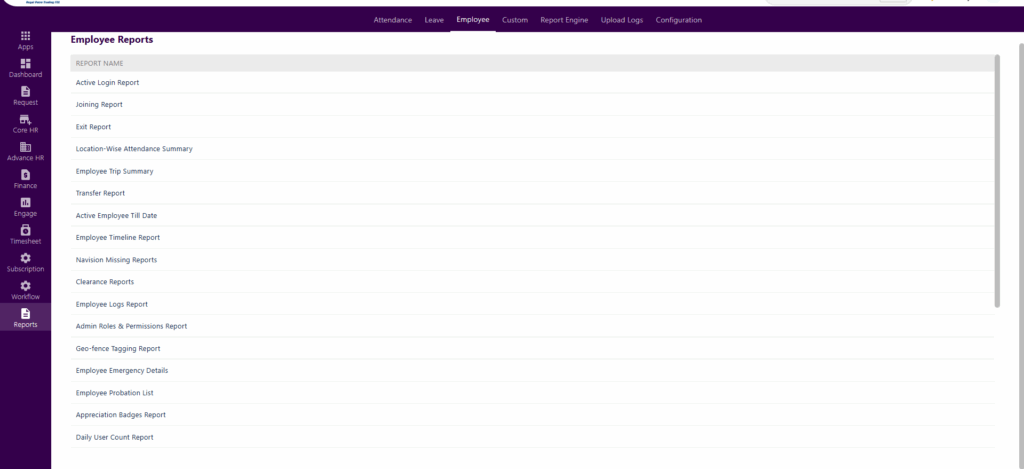
And in the Employee subsection, the following reports can be downloaded:
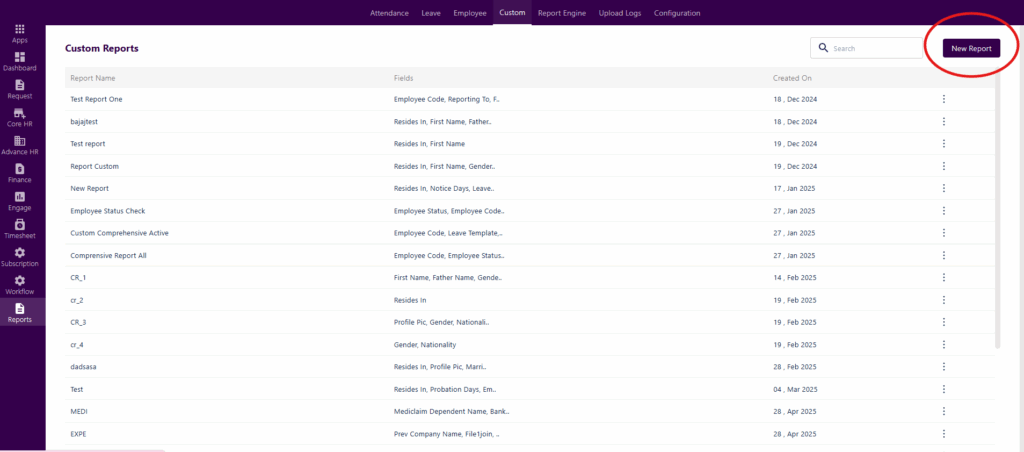
You can also create custom reports in Zimyo HRMS.