
LWF report can be downloaded in the Payroll section of Zimyo HRMS. To download it,̨
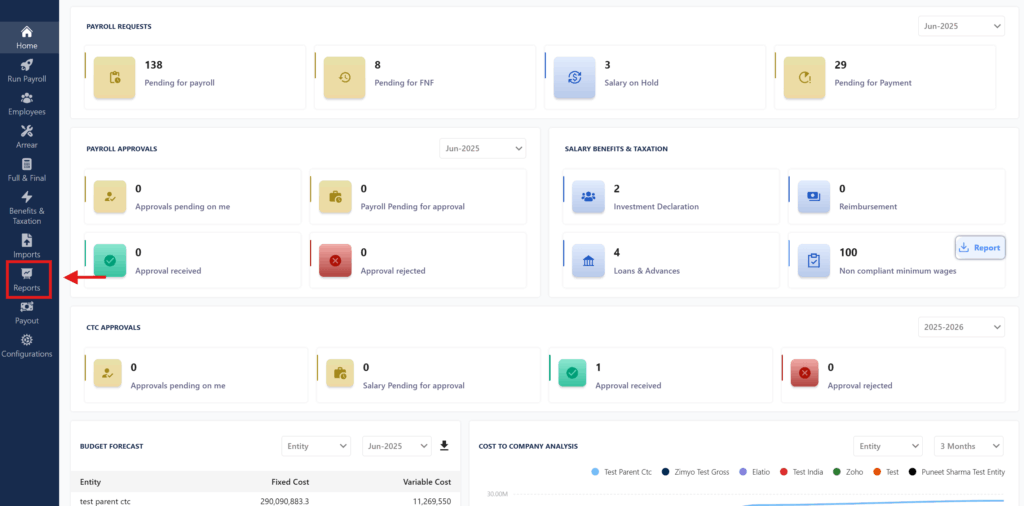
- Log in to the admin page payroll page under ZIMYO HRMS. Make sure you have necessary access. Click on Reports page in the Payroll menu
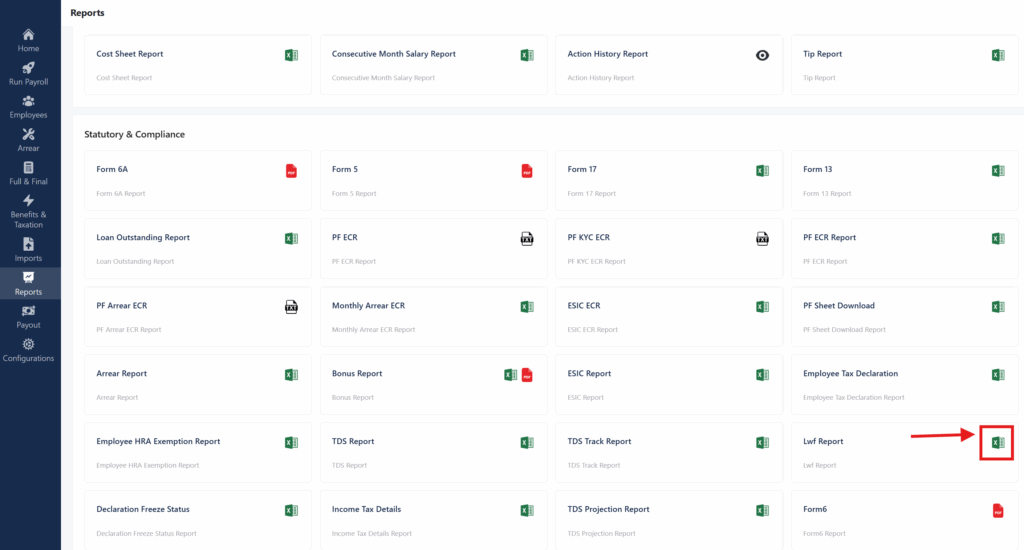
2. Click on the Excel option available under the LWF Report in Statutory and Compliance.
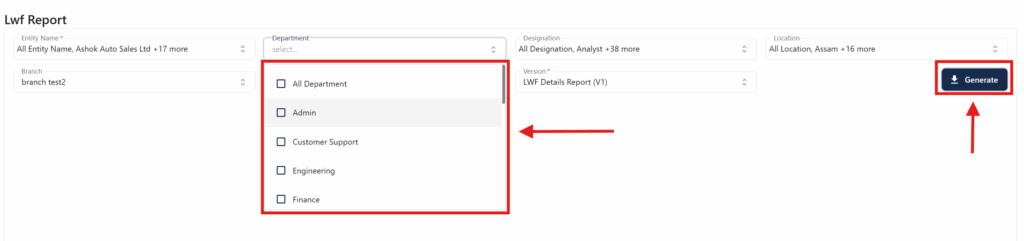
3. After clicking the Excel icon under the LWF Report the following page will open up where the user needs to fill in all the filters and click Generate to start the download.