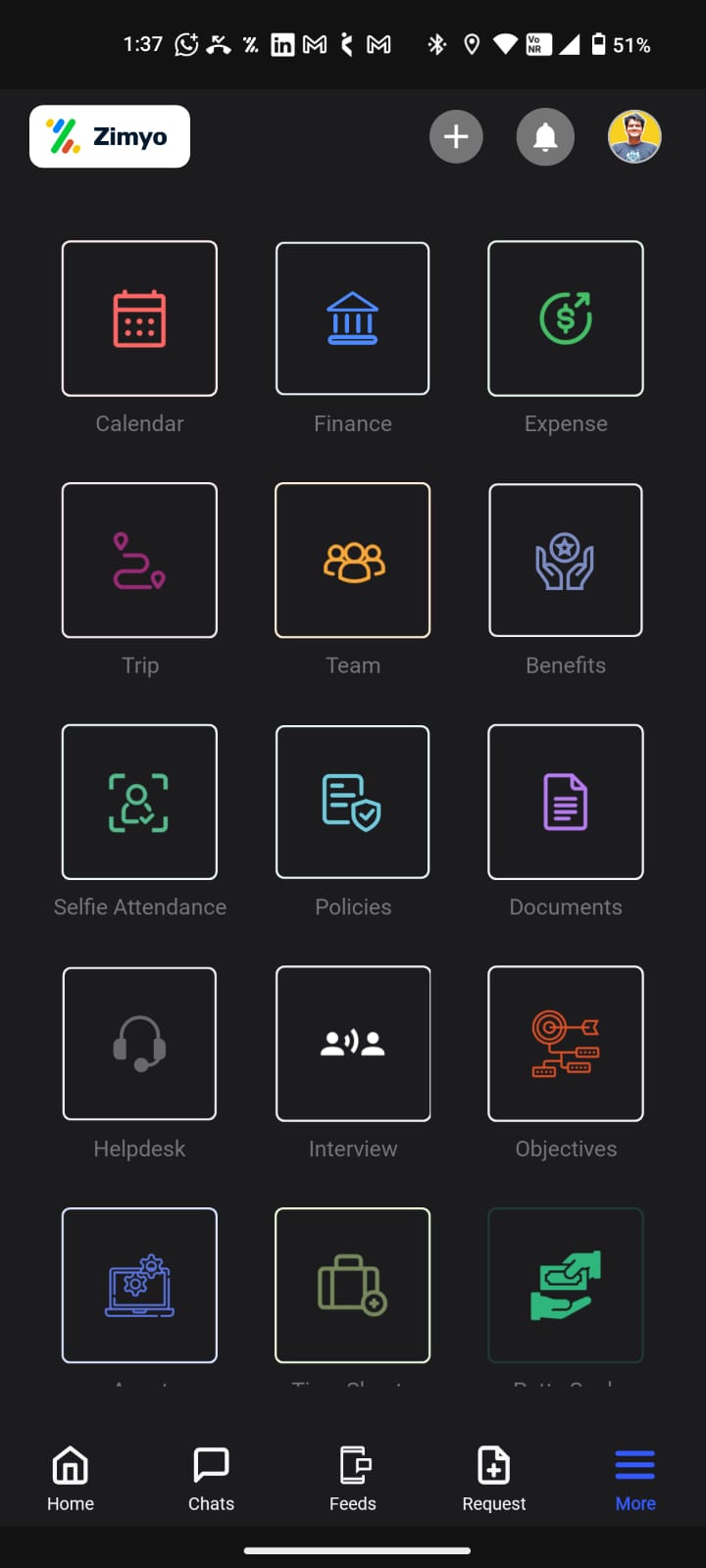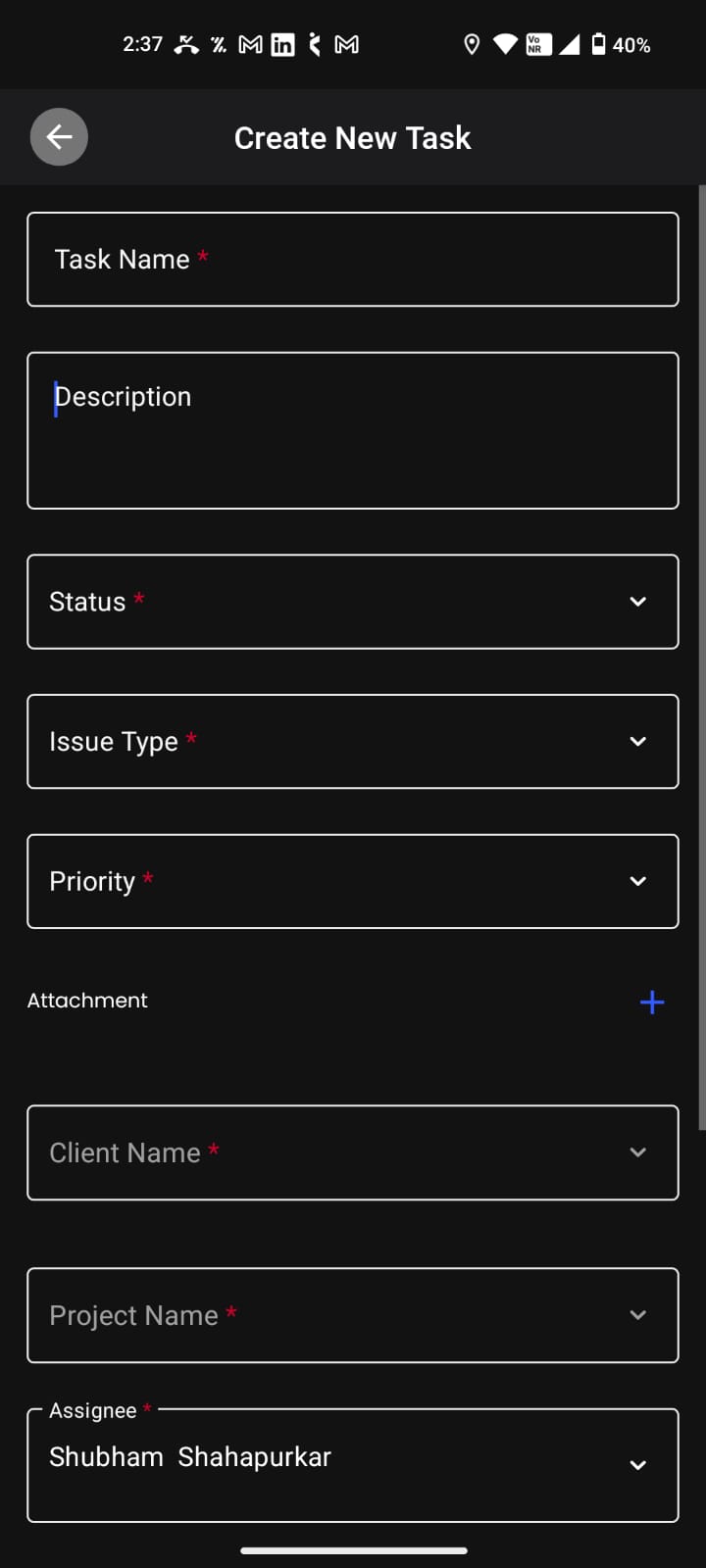

You can follow the steps below to create a task through the mobile app:
1. Log in to the Zimyo mobile app.
2. Go to More >> Tasks >> Click on Time Sheet then click on”+” Icon option on the top right corner of the screen >> Fill the details >> Click on “Create”.
3. Fill in the details. The task will be created.